Menu
Follow Me
Contact Me


Customers are disappointed with their online purchases and are returning their items because they did not get a full understanding of the product they were purchasing.
When shopping in person, retailers did not have any problems with their customers seeing, touching, and experiencing a physical product in their physical store. Online shoppers have lost that tactile experience. Their only way to experience the product before they purchase are the images displayed next to the product listing.
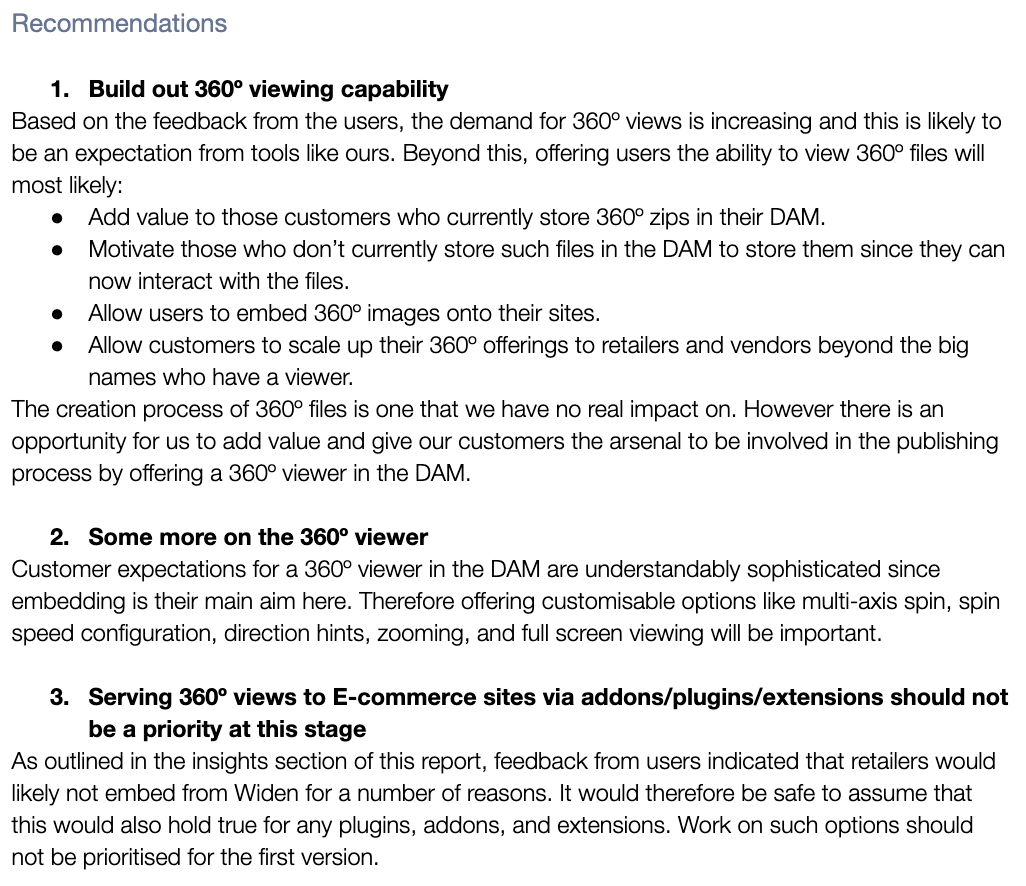
To give online shoppers more confidence, retailers wanted to present their product in a more dynamic and experiential way. When users are able to see the product in multiple ways, they are more likely to purchase and not return a product. With our Digital Asset Management (DAM) software, paired with our Product Information Management (PIM)application, our users were asking for an experience to view and manage their 360° spinsets.

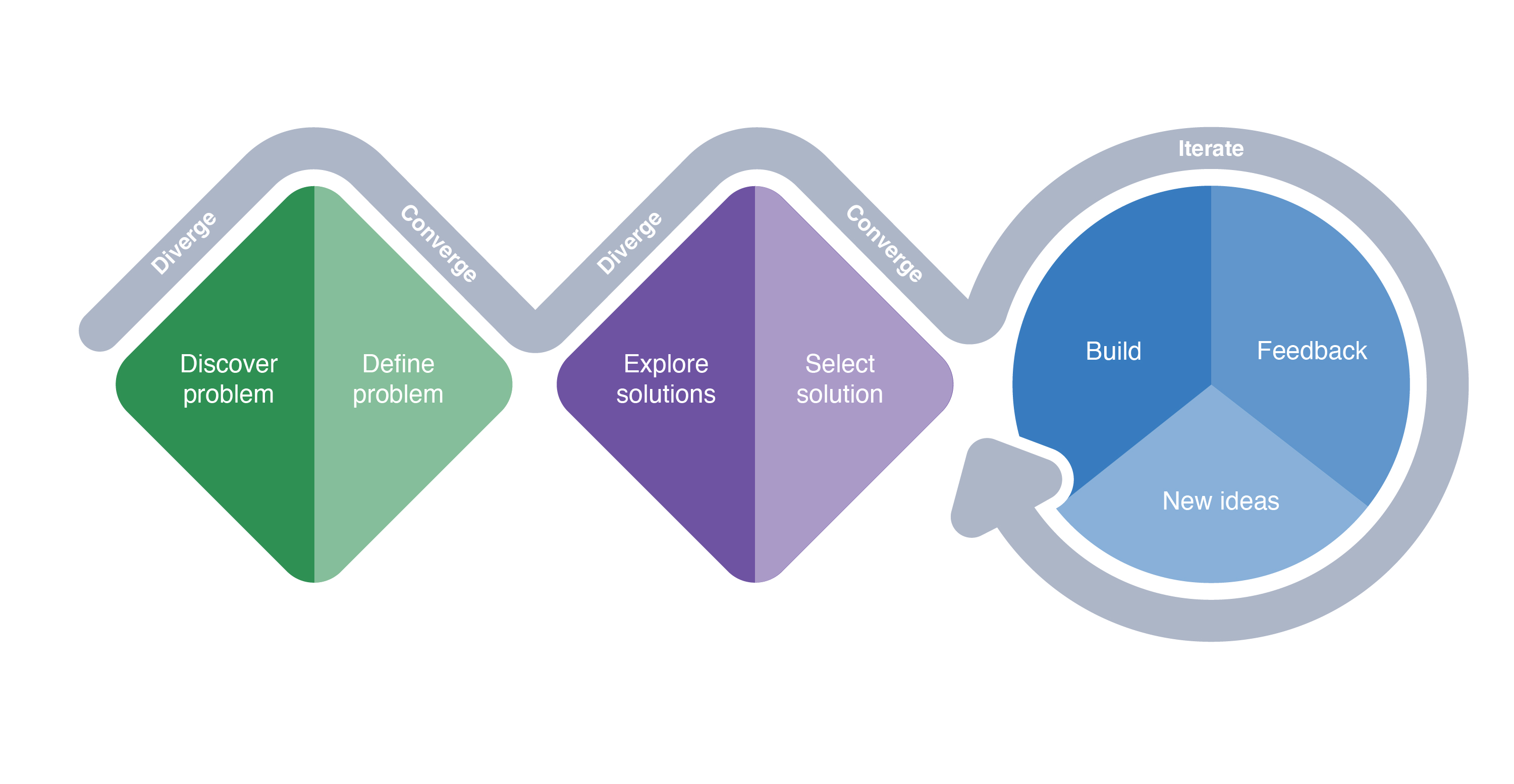
Following the Double Diamond process, I covered both the initial discovery steps, along with exploring the solutions and then leading the Development team through build and feedback steps.
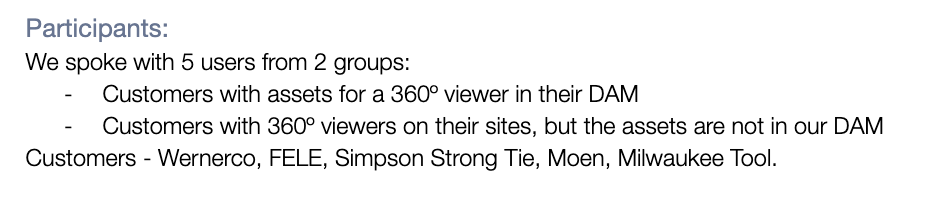
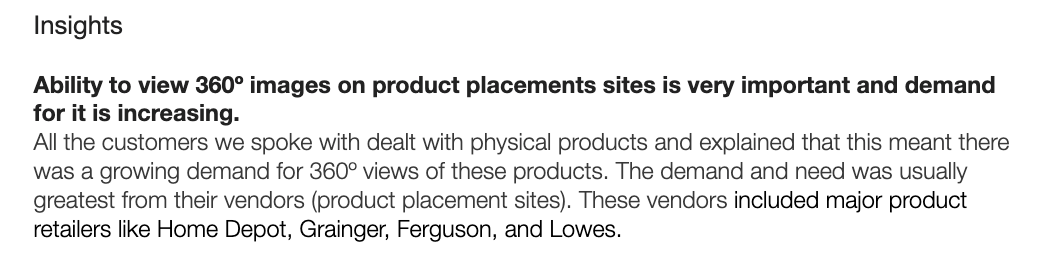
The first step in the process was to perform some exploratory interviews with current users. Paired up with a UX researcher, we interviewed 10 users who created and managed product content and created dynamic images. These were any assets that went beyond static images and included 3D files, videos, and 360° spinsets.

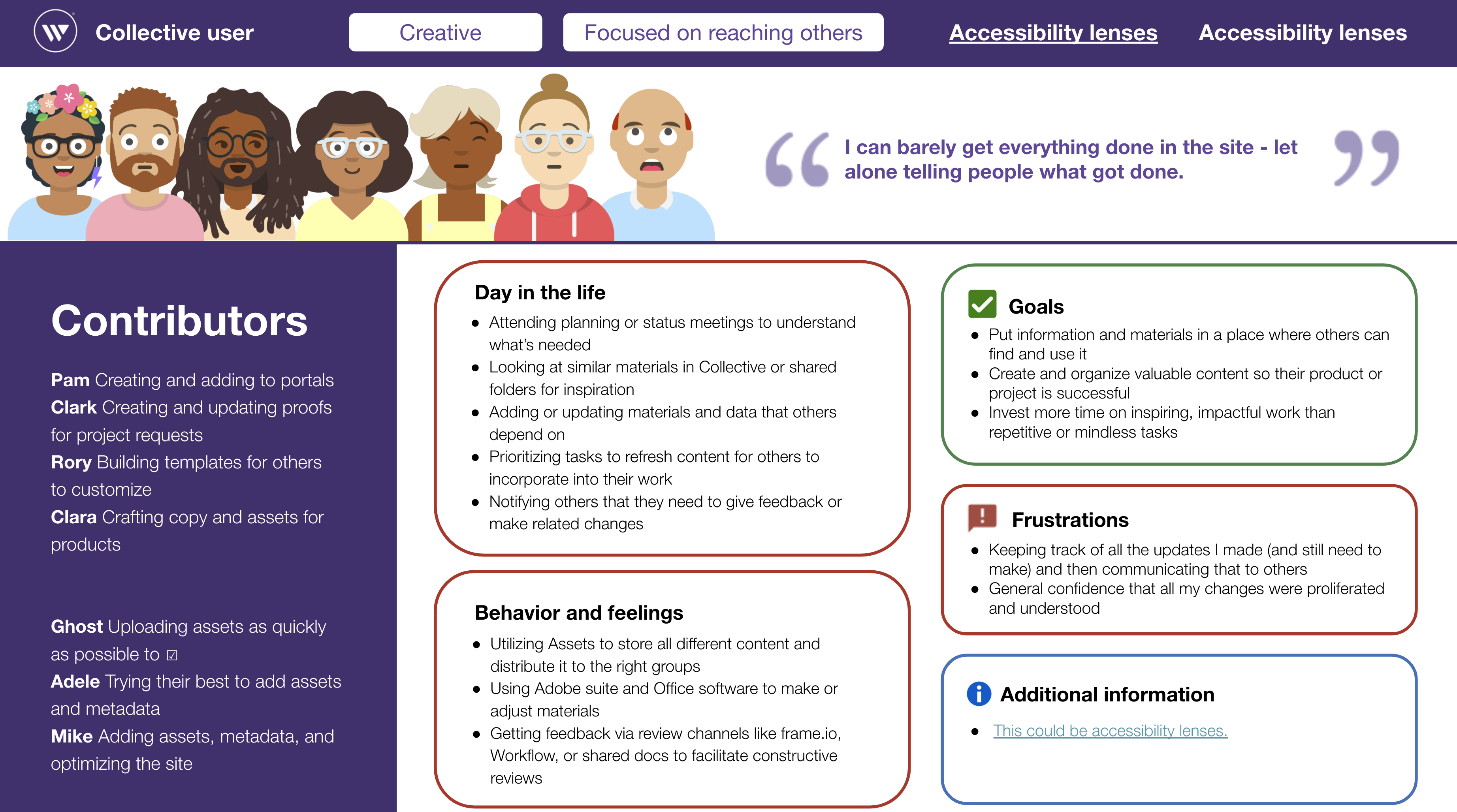
Personas are created to represent the users for our collective applications. These personas are created as a collaborative process that is owned by our UX Research team. As a UX Designer, we are heavily involved in the persona creation process and continuously update our personas as we need.
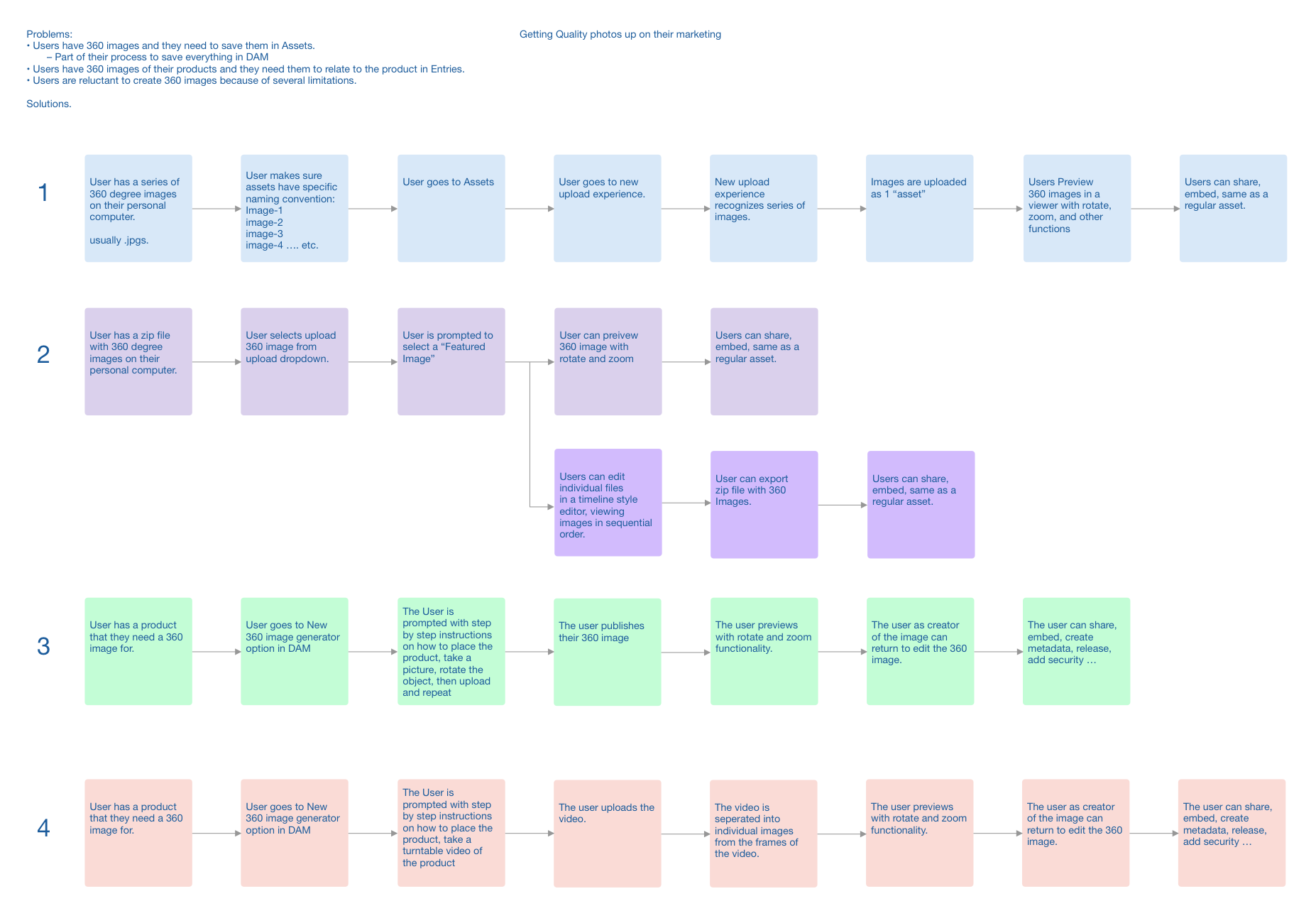
During this session, I worked with the research team and the Product Manager and determined several user flows for the 360 spinset viewer. These initial flows were used as we moved into more focused team sessions.
////////////////////////////////////////////////////////////////////////////////////////////////////////////////////////////////////////////////////
After the initial flow was created, I invited the other members of the team, which included a front-end developer and 3 full-stack developers, a product manager, and a team leader to determine the user and technical flow for the new 360 spinset viewer. This session served several purposes that included team buy-in, technical overview, and the beginnings of the MVP feature list.

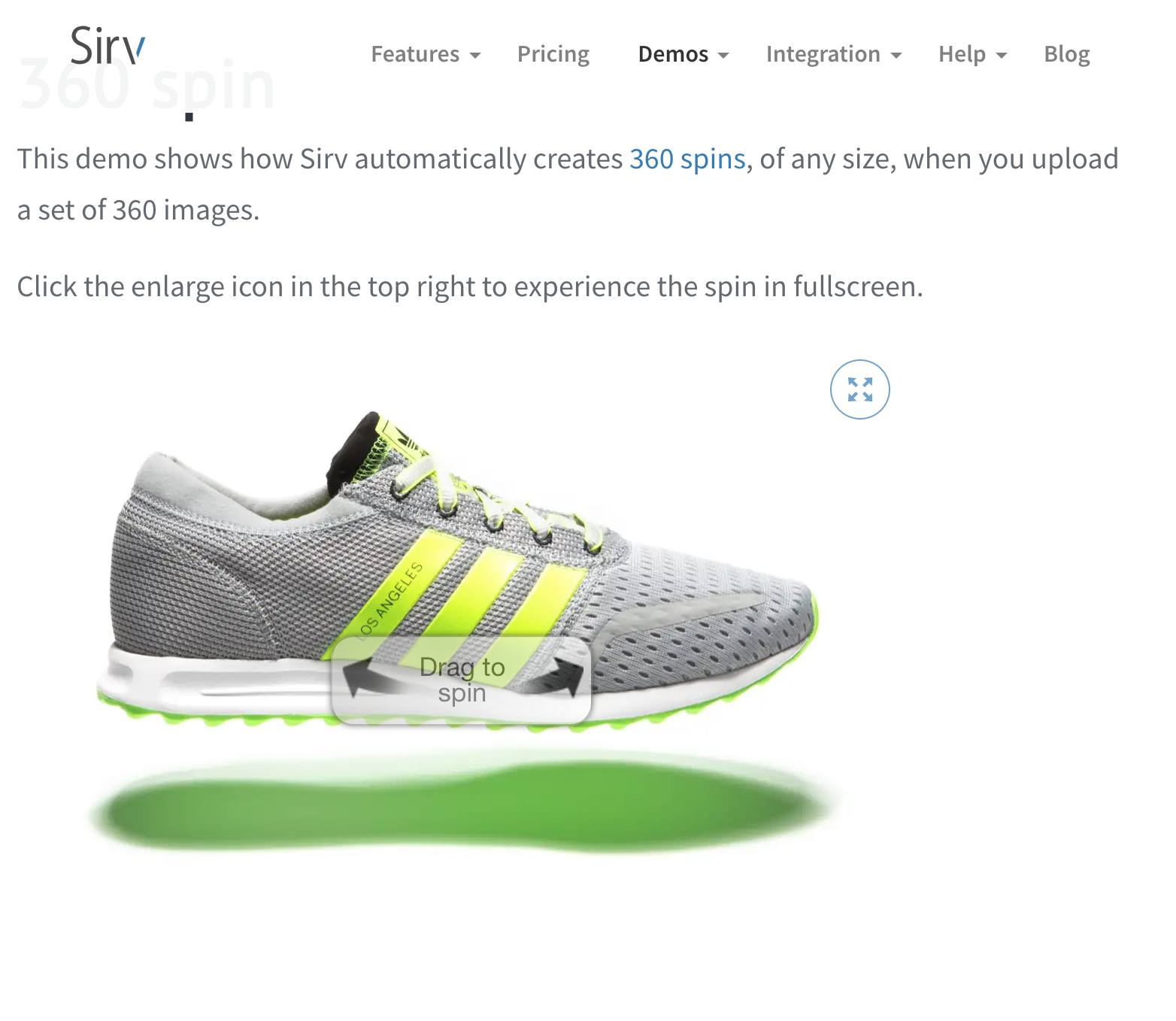
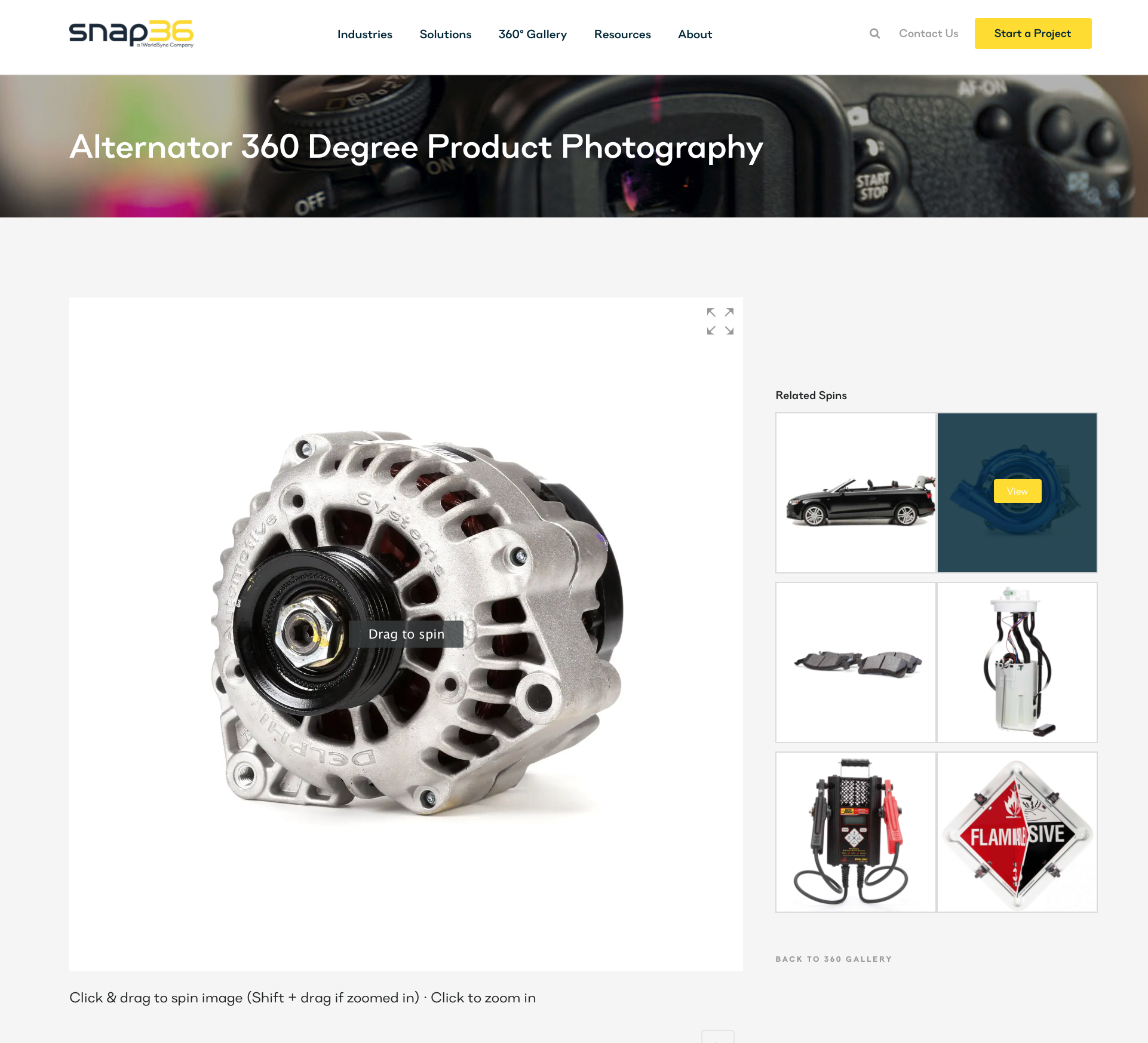
The next step in the process was to benchmark and do a competitive analysis on what users are currently experiencing for 360 spinset viewers.
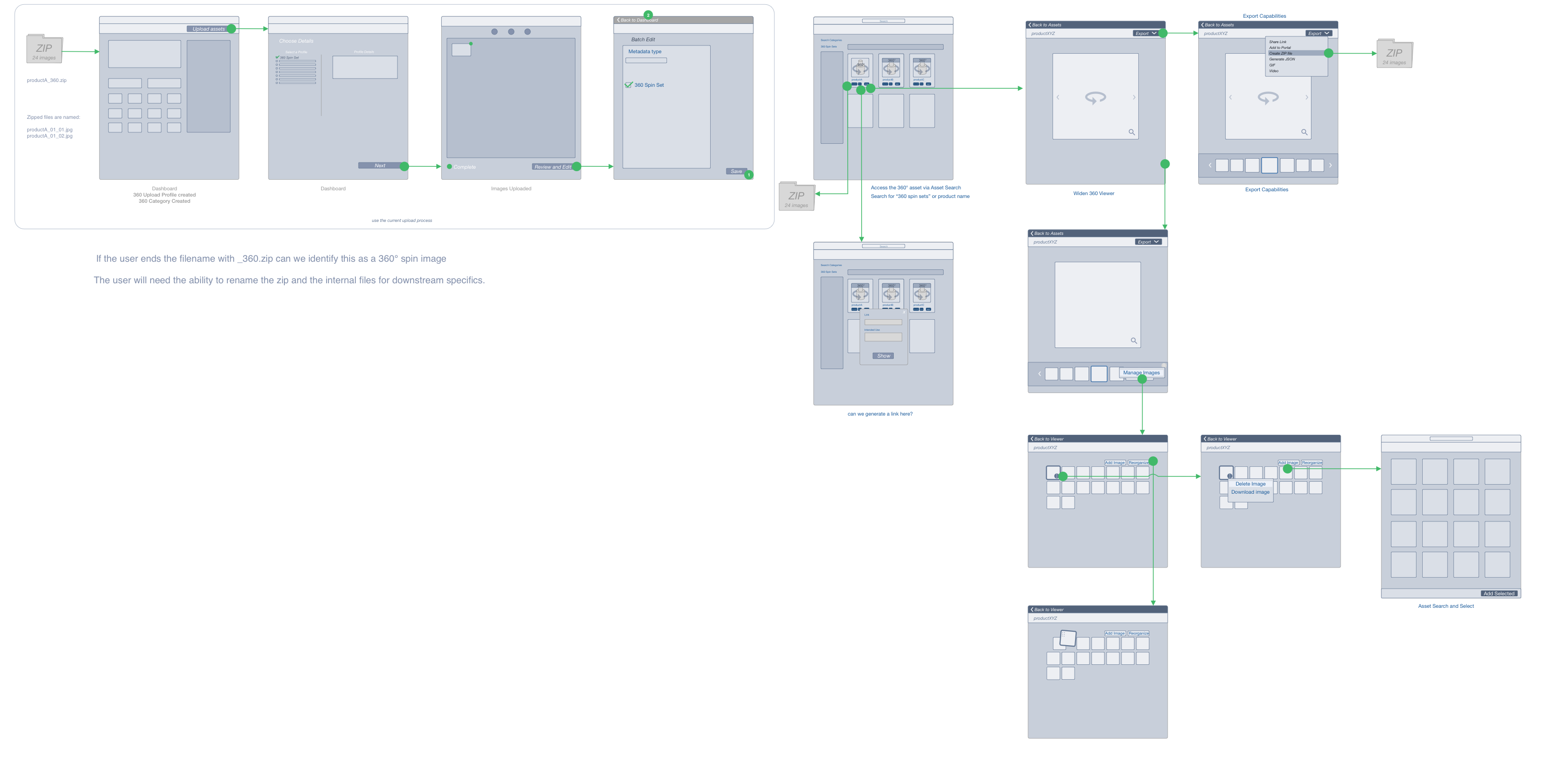
Utilizing Sketch, I created some initial wireframes to get feedback from users on how some initial UI elements would look and work. It is important to utilize a low quality prototype for testing because users will respond with questions and comments about the structure as well as the original concept compared to only performing high quality prototypes.
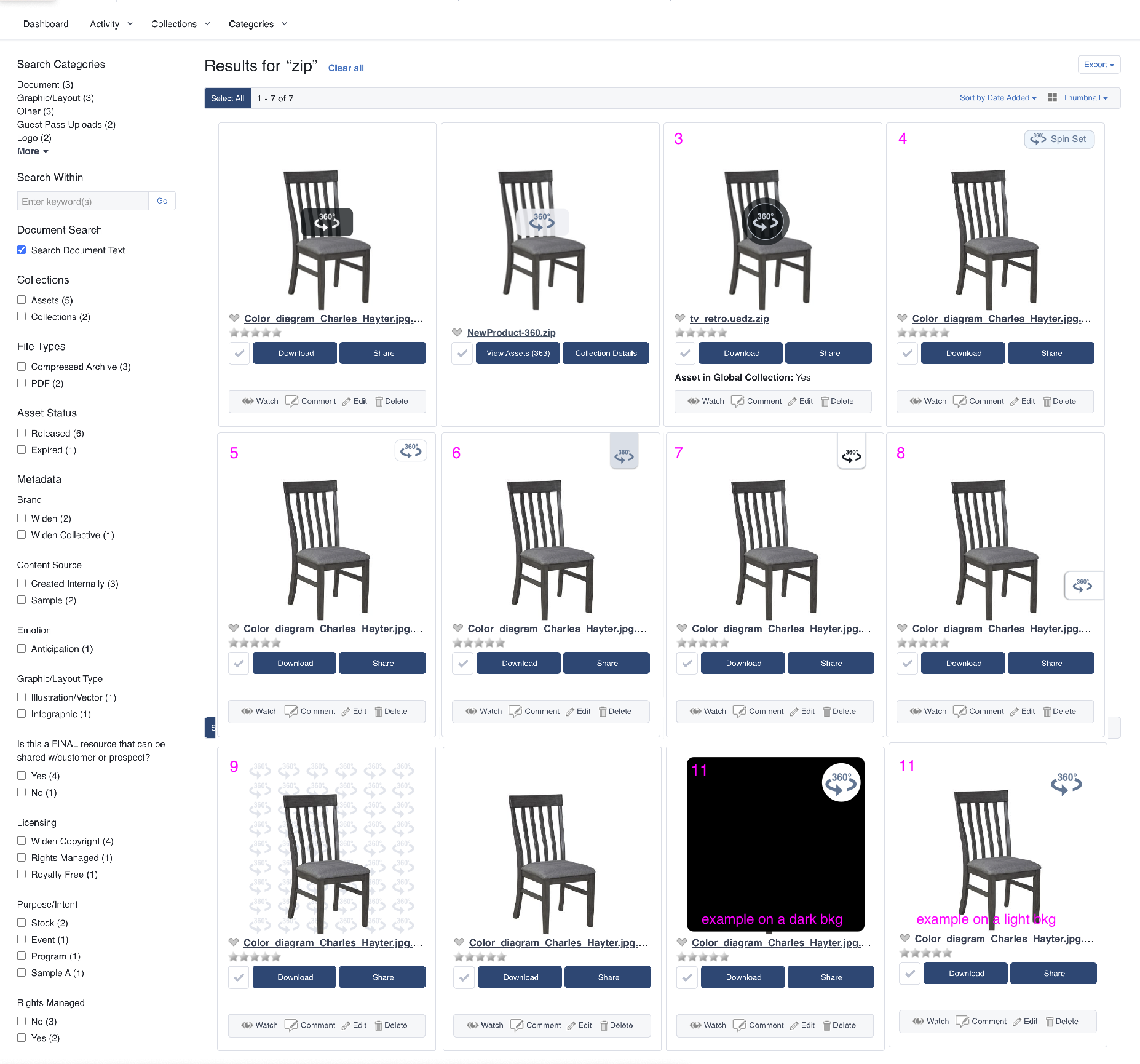
This was a portion of the project where I was diverging on the look of the spinset logo. Since this was going to be used across multiple applications and in multiple scenarios. This logo was also going to be presented to users, embedded in their own applications without context to our application, so the spinset logo needed to be universally recognizable.
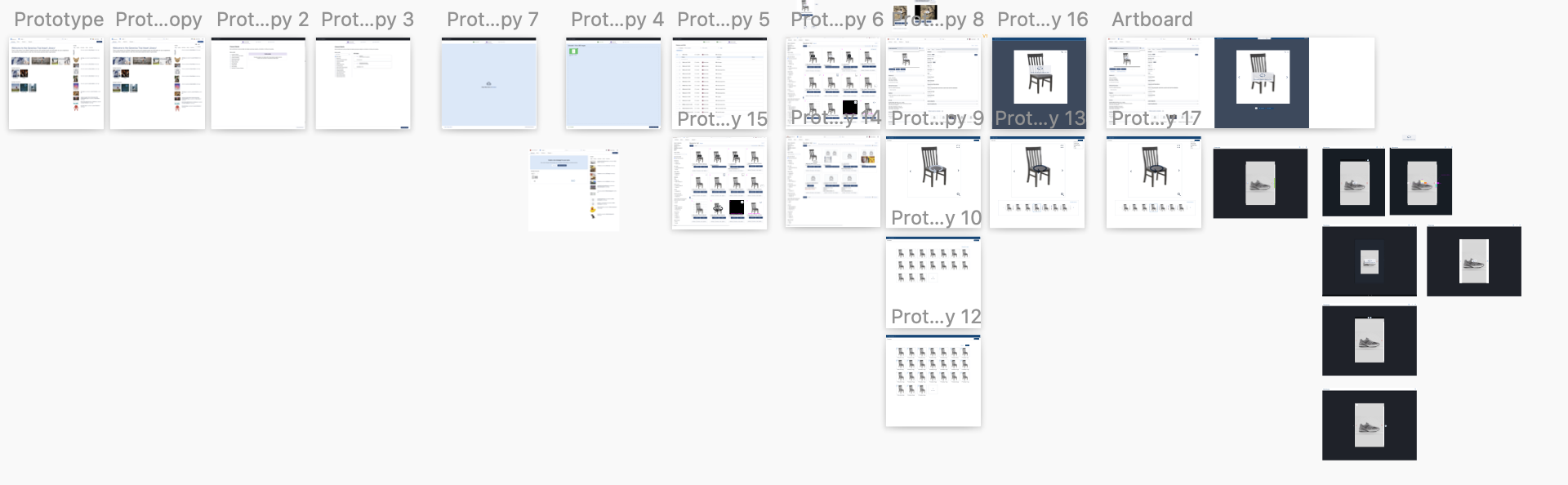
After low fidelity mockups and logos were tested and validated, I made updates to the process, flow, and UI. These updated prototypes were presented to the user during moderated and unmoderated tests to again validate their usability.
The initial MVP was released to give our users some incremental changes as we work. We worked in an agile process, so releasing iterations to our users allows us to give them value upfront, while getting feedback and making additional changes as we continue to develop the feature.
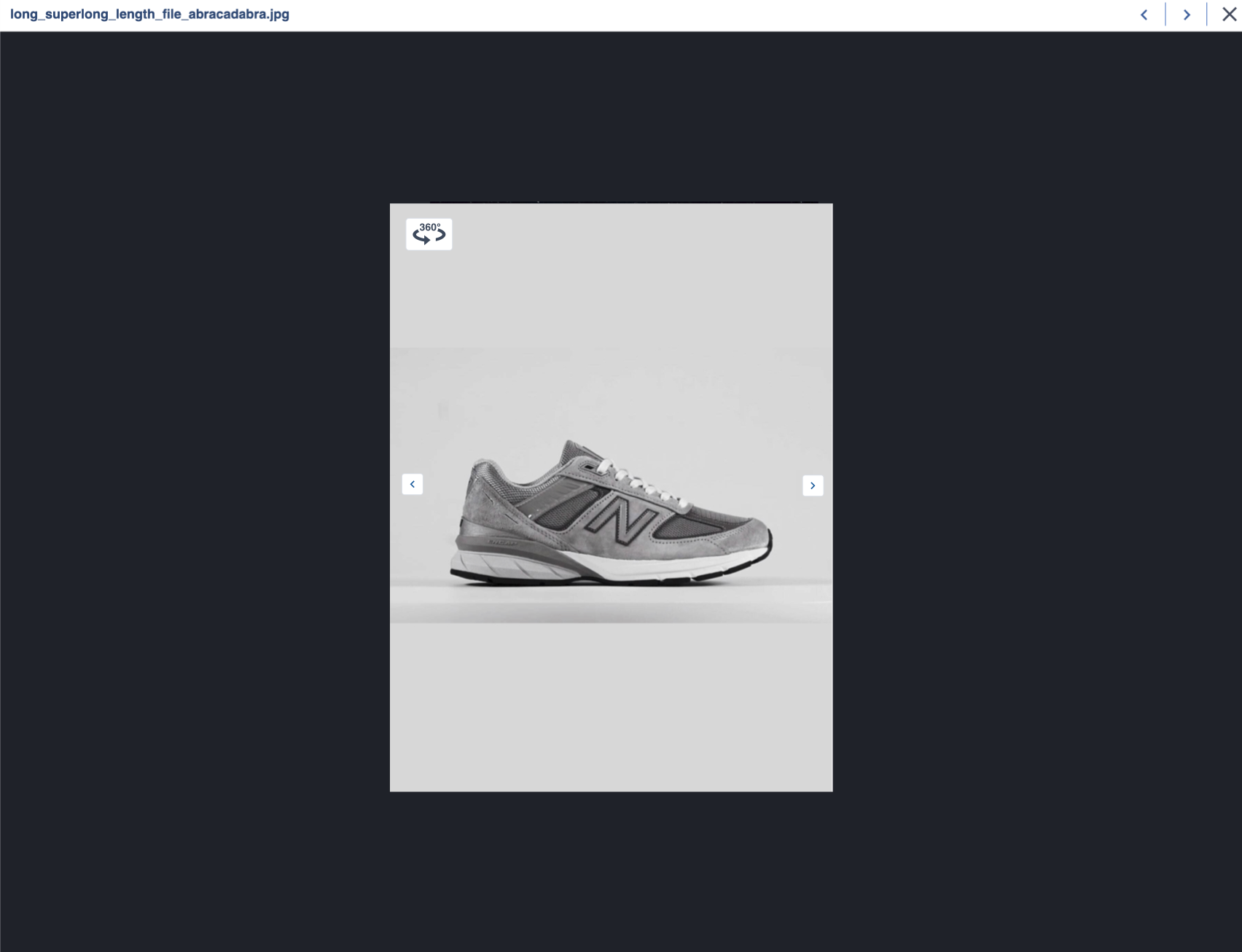
After running a round of user testing and feedback from moderated and unmoderated testing, I updated the design and process to incorporate the the new objectives and items learned from users.
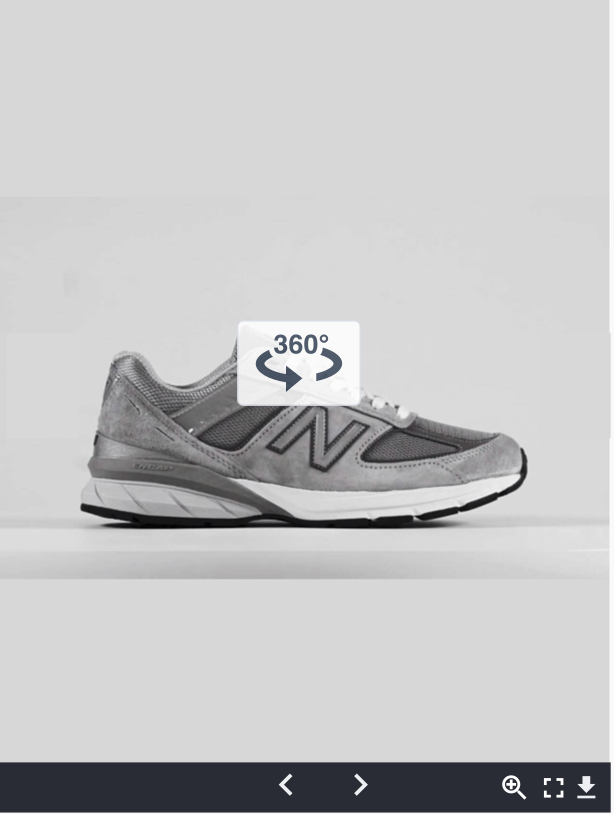
Take the Spinset viewer for a test ride here: This uses an embed code that allows the user to embed the spinset in their own websites. The link opens the spinset viewer in another tab: