Menu
Follow Me
Contact Me


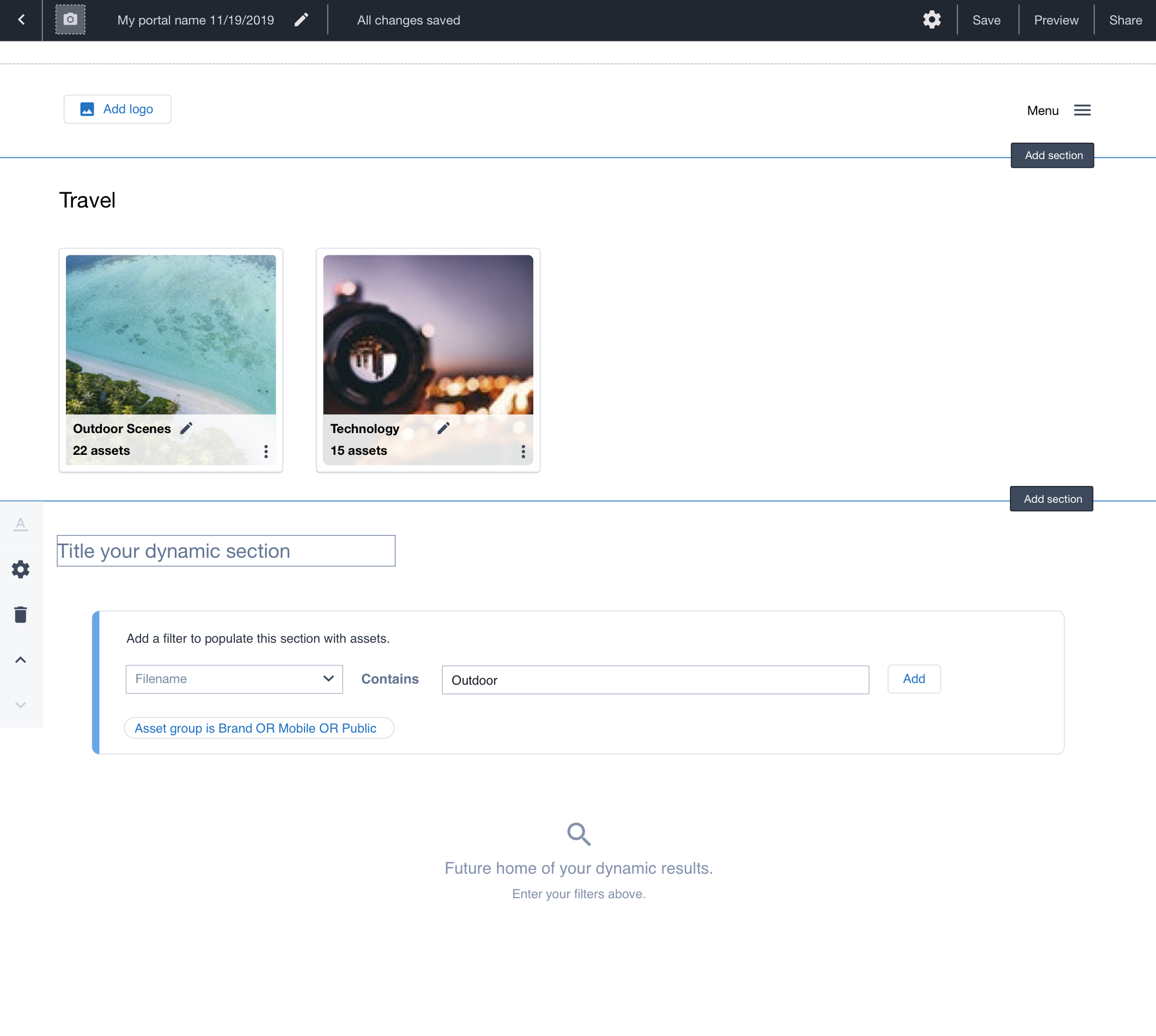
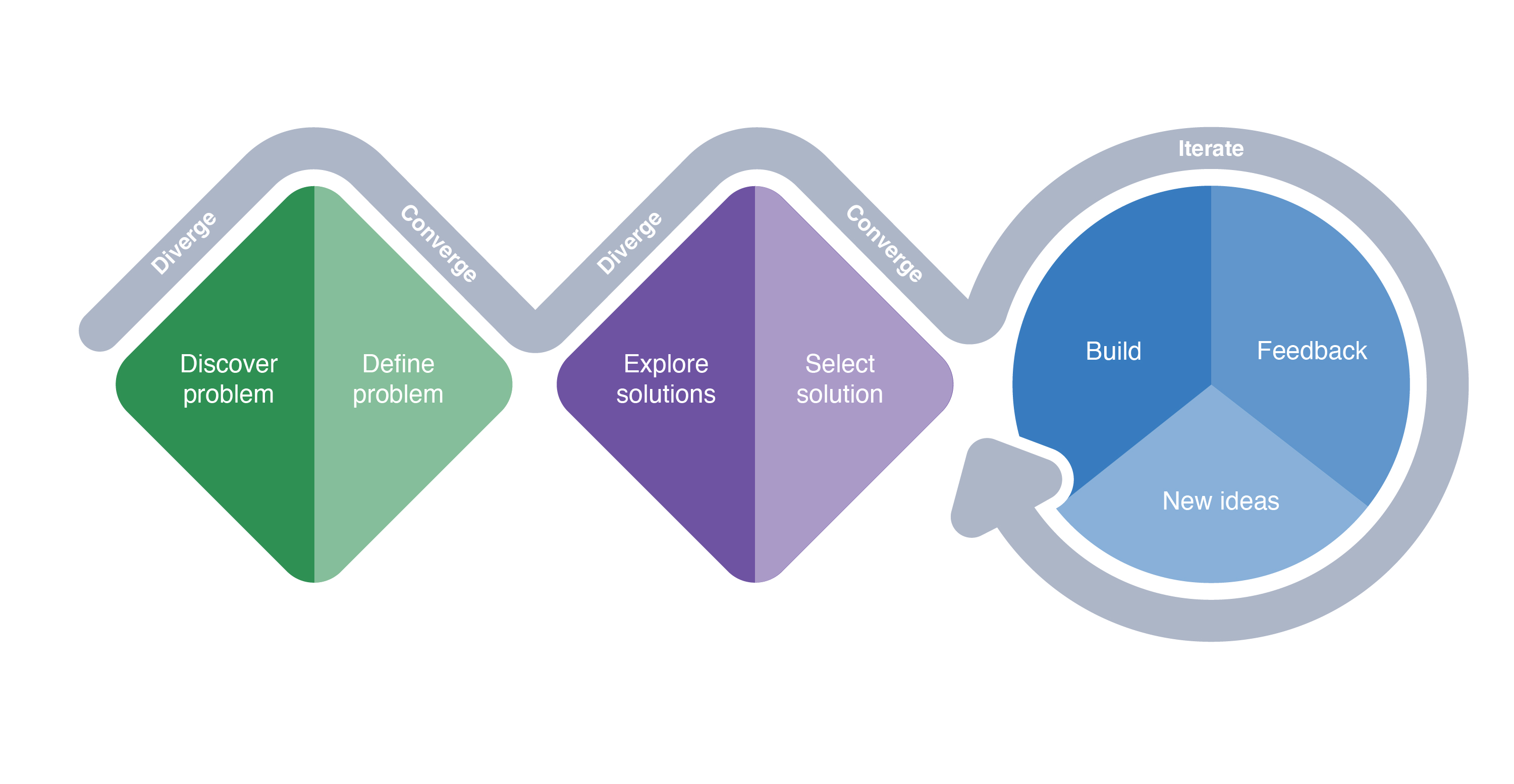
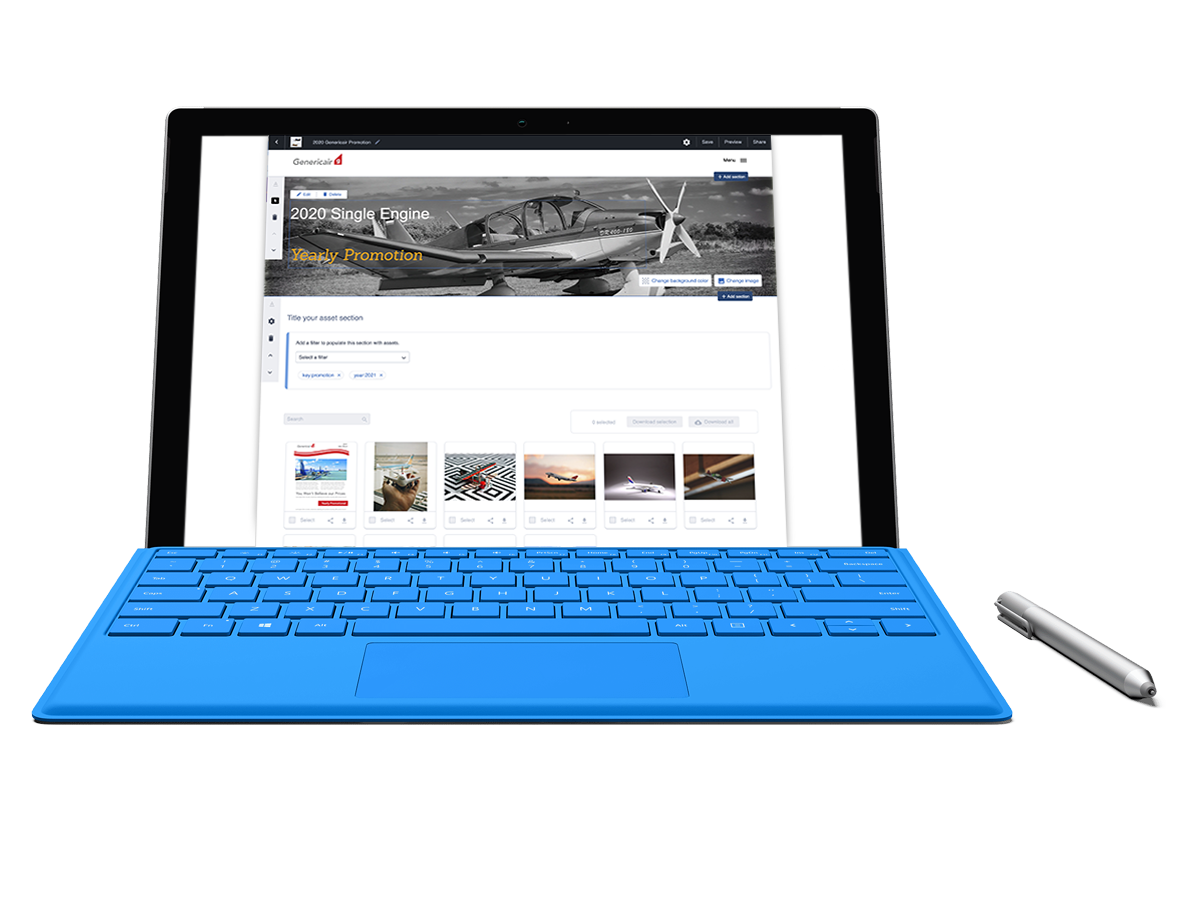
Within our WYSIWYG editor, users have always enjoyed the freedom to pick the look and the feel of their site. They love the ability to pick specific images to display and adding content that fits the needs of their particular use cases. However, through user feedback sessions, I learned that users are also interested in a tool that would dynamically add content to their microsite from their digital asset management software. This was a common feature request and these next steps are how we developed this feature and have been incrementally improving it based on additional rounds of usability testing.
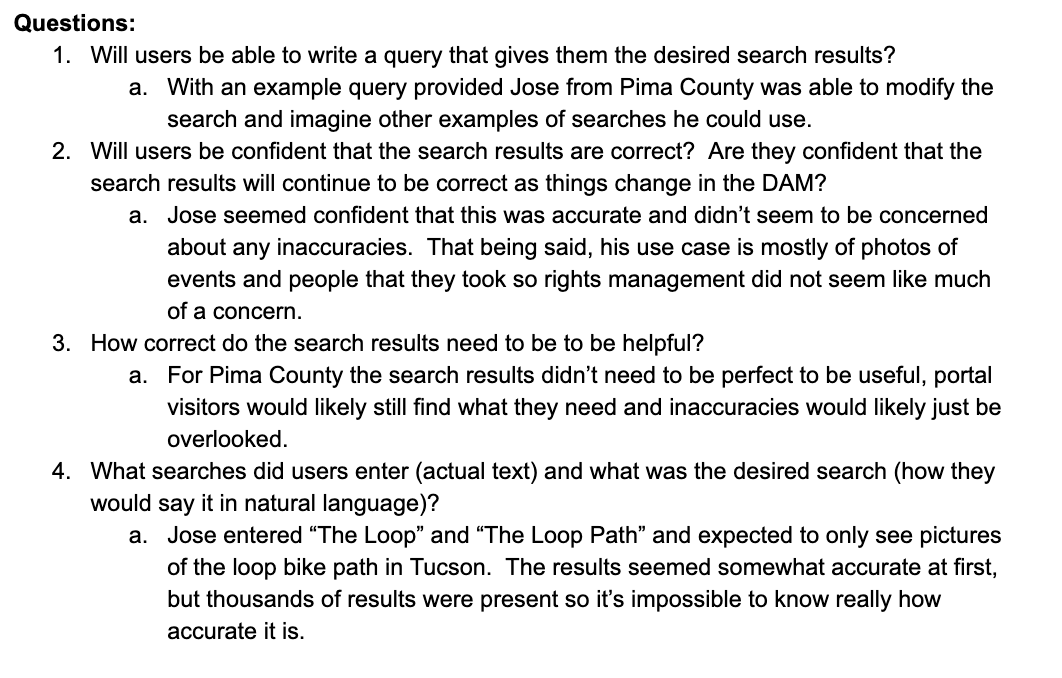
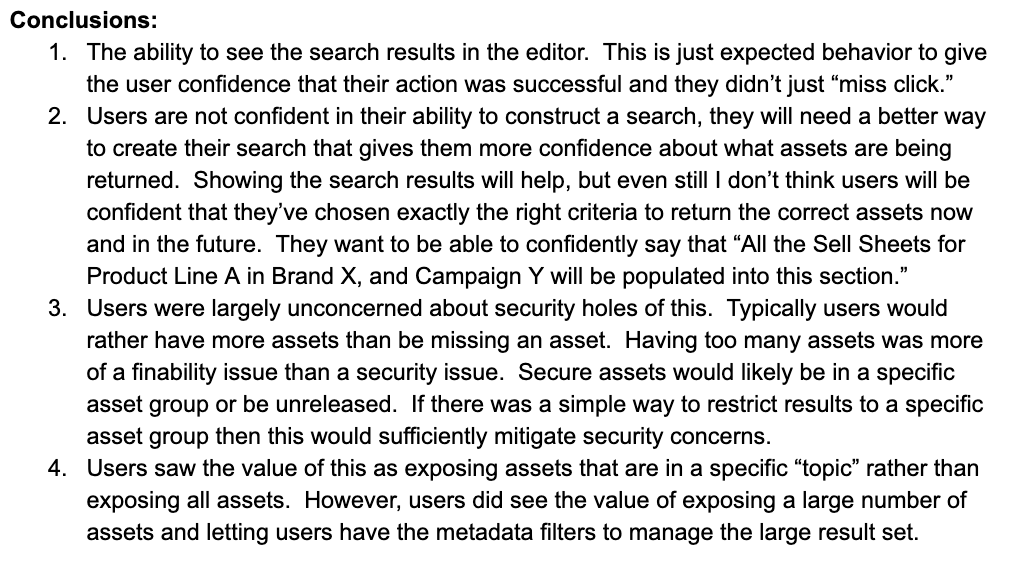
The first step in the process was to perform some exploratory interviews with current users. Paired up with a UX researcher, we interviewed 10 users who create asset galleries and have created portals with similar content that they update regularly.
////////////////////////////////////////////////////////////////////////////////////////////////////////////////////////////////////////////////////
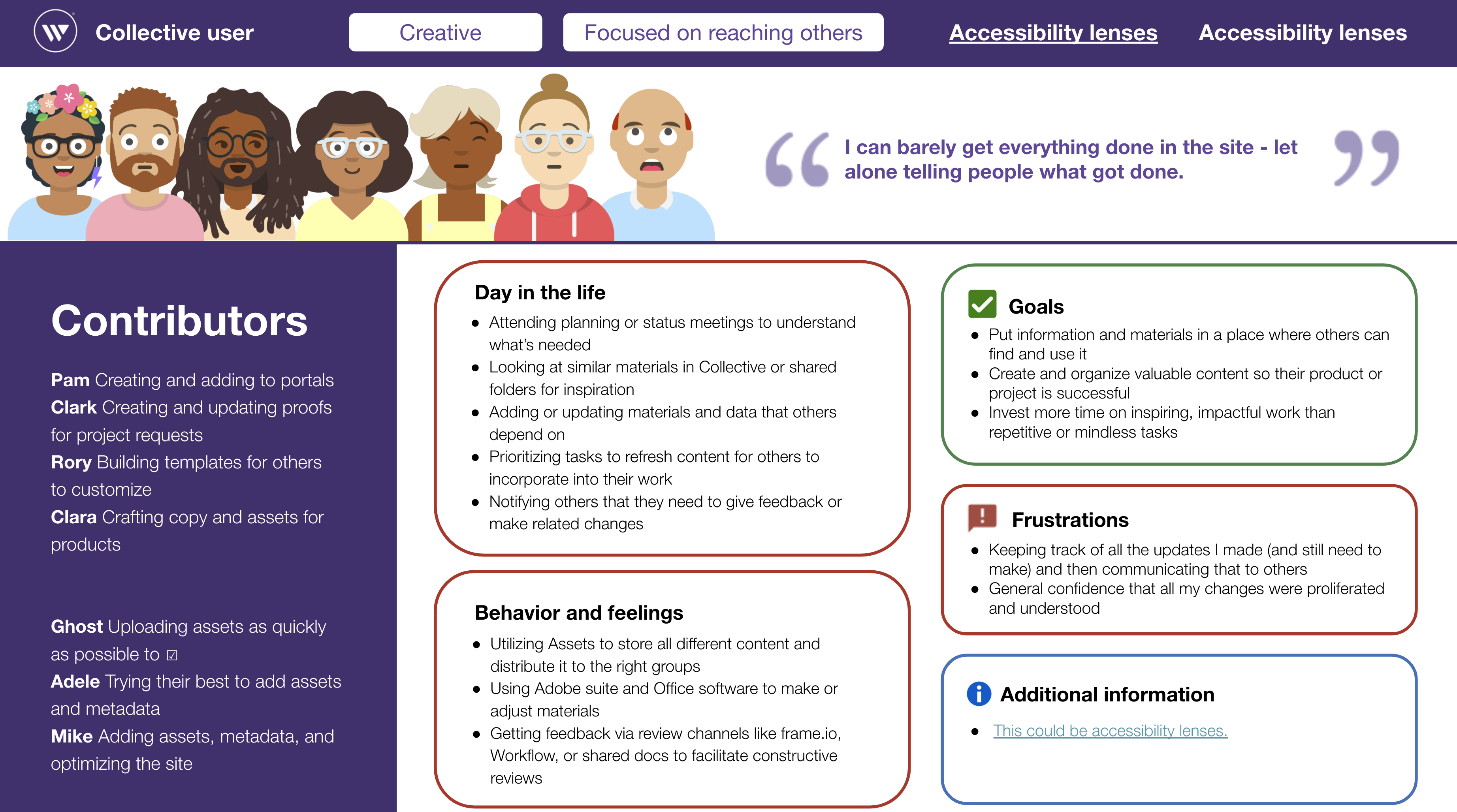
Personas are created to represent the users for our collective applications. These personas are created as a collaborative process that is owned by our UX Research team. As a UX Designer, we are heavily involved in the persona creation process and continuously update our personas as we need.
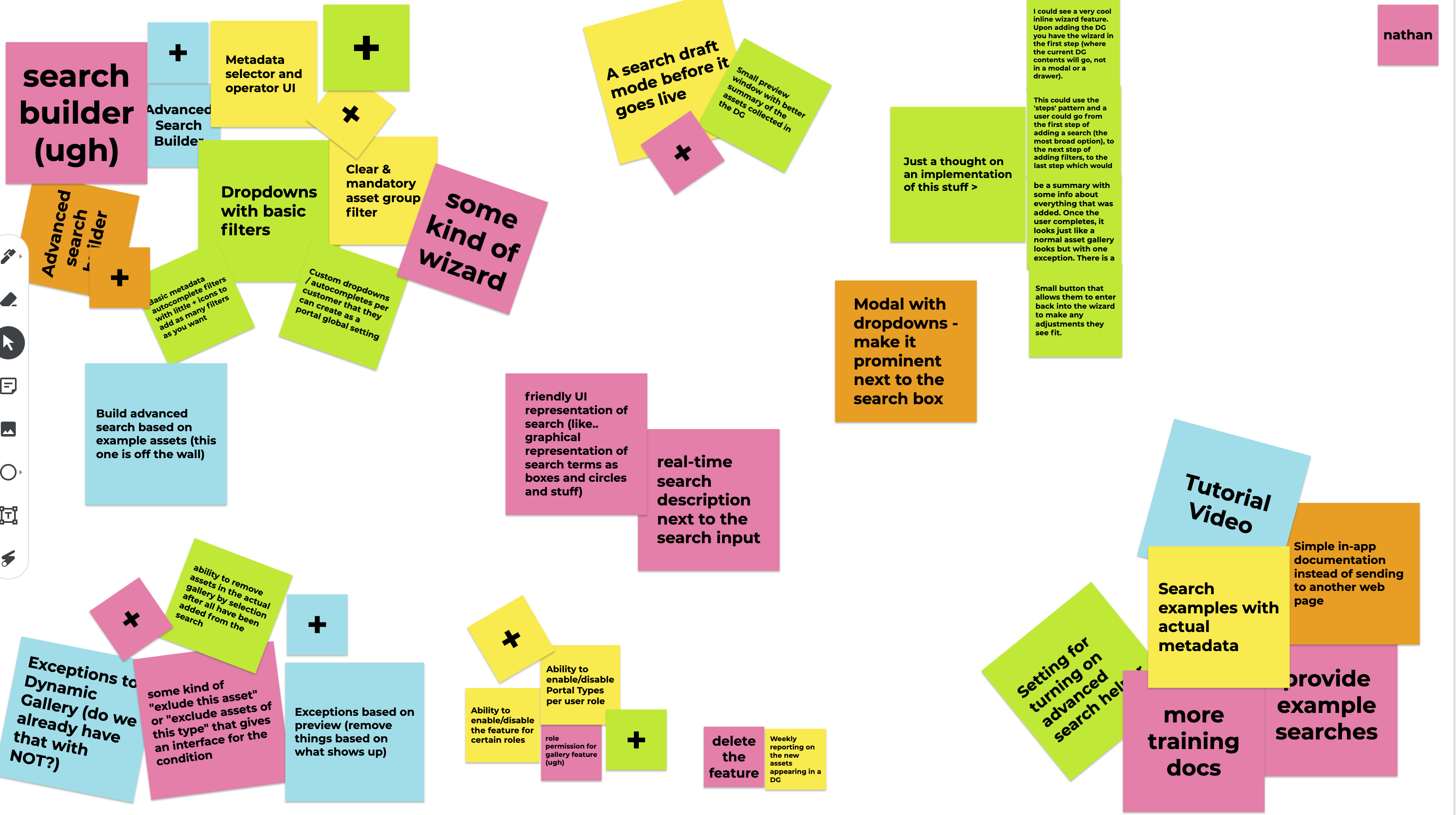
During this session, I worked with the research team, the Product Manager and the development team to discuss user flows and comments received during user sessions.
After the initial flow was created, I created a few options for user flows and wireframe mockups. I created a unmoderated user test and received feedback from users on the flow.
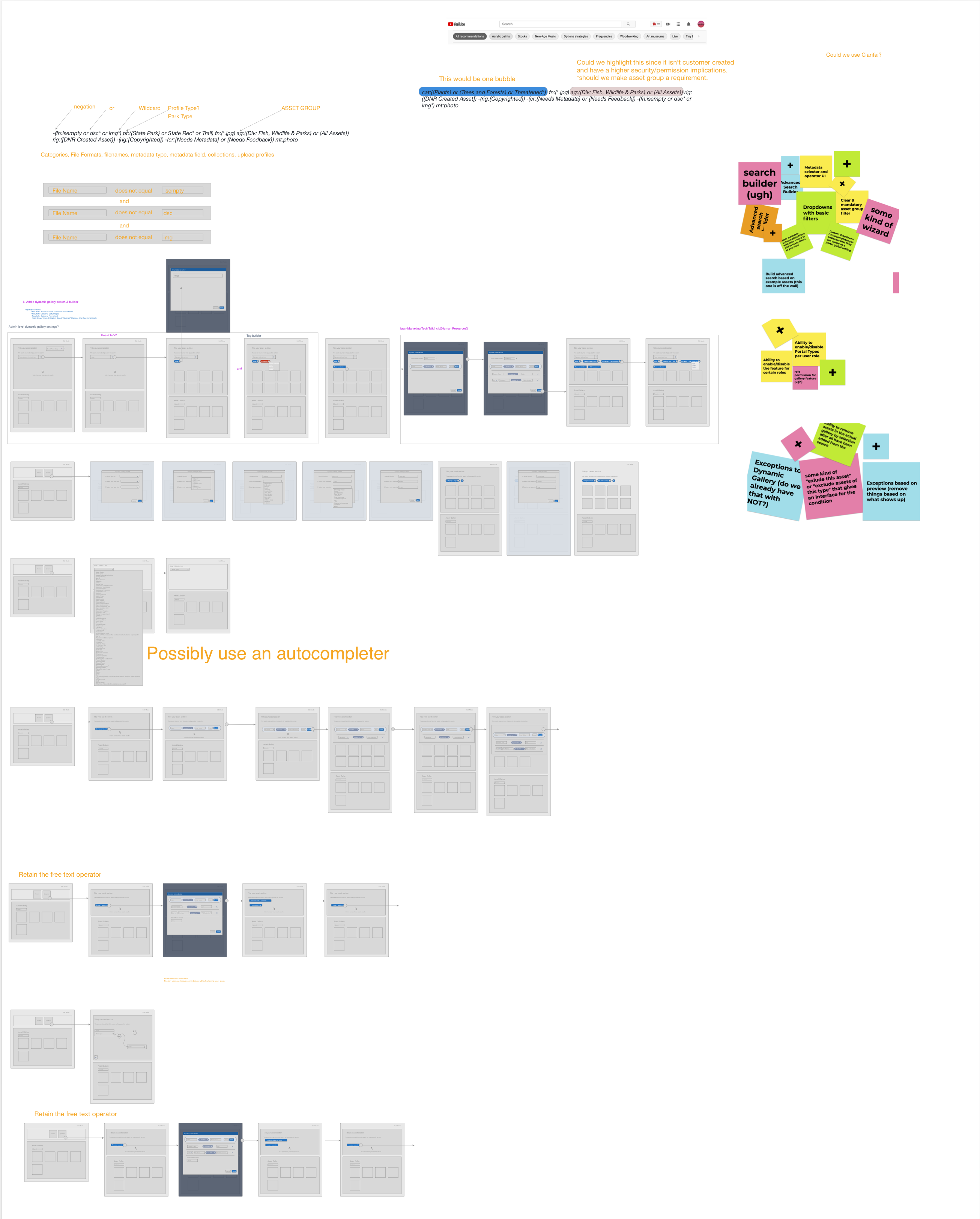
The next step in the process was to benchmark and do a competitive analysis on what users are currently experiencing for rule builders and advanced searches.
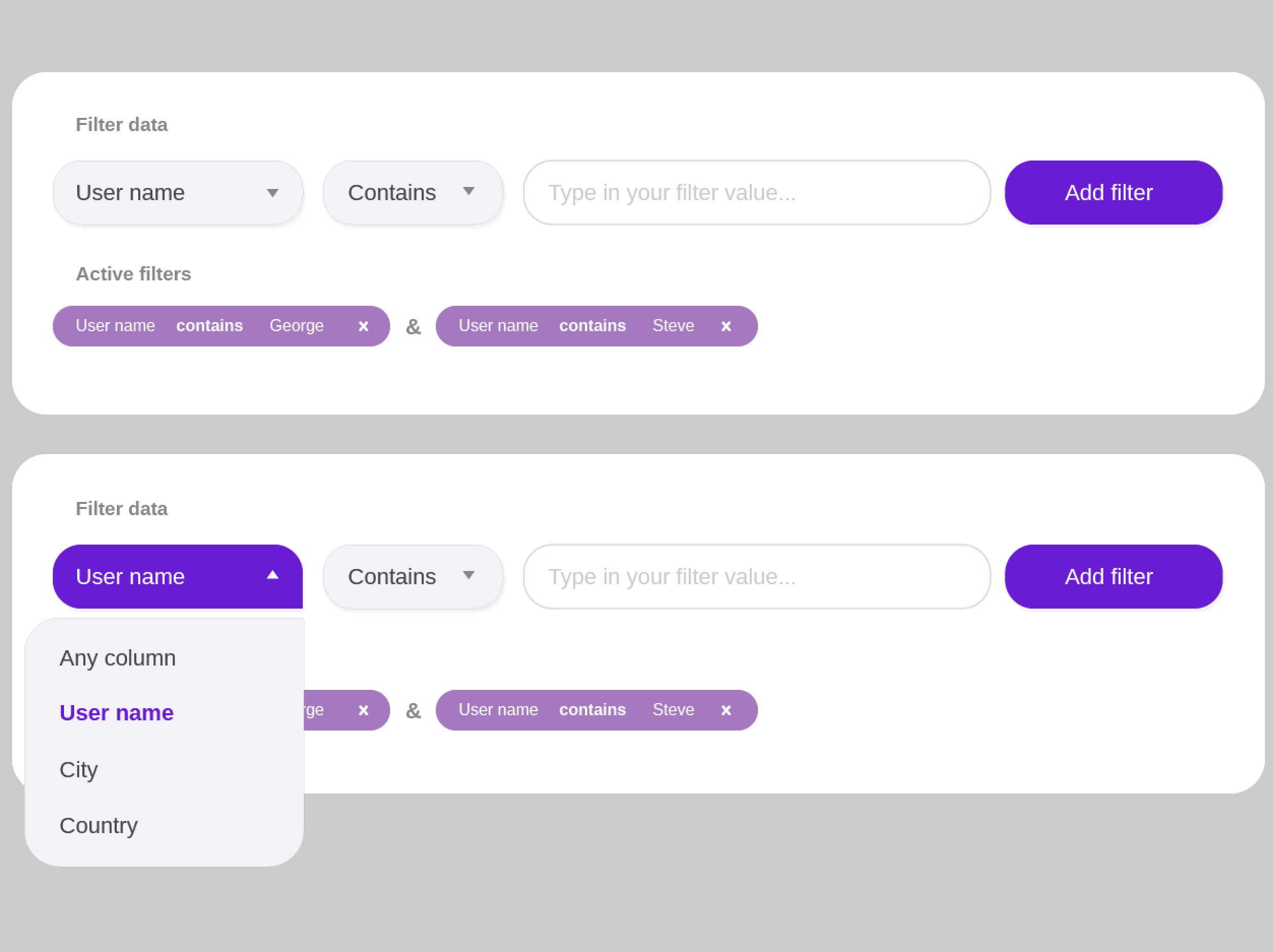
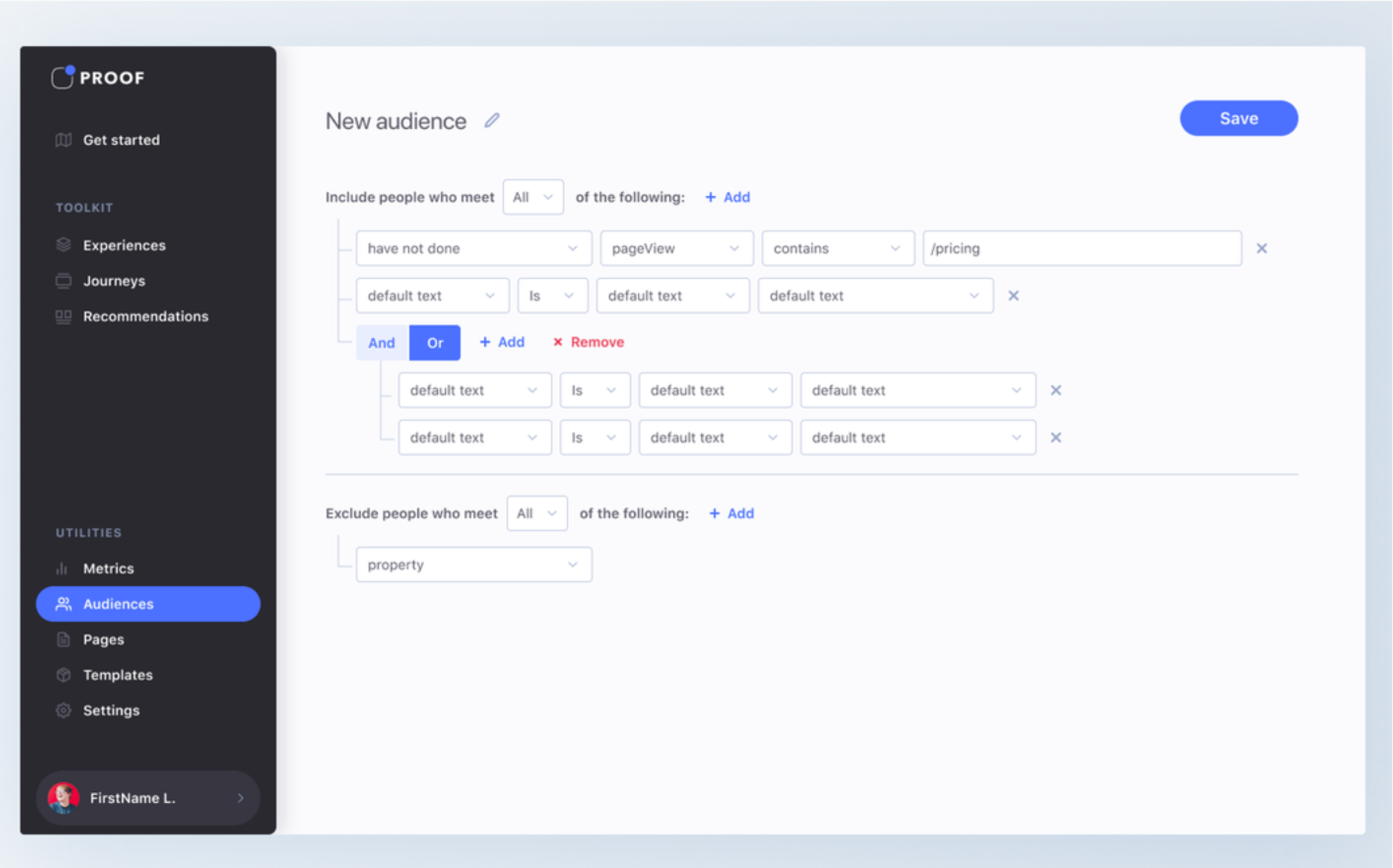
After low fidelity mockups and logos were tested and validated, I made updates to the process, flow, and UI. These updated prototypes were presented to the user during moderated and unmoderated tests to again validate their usability.
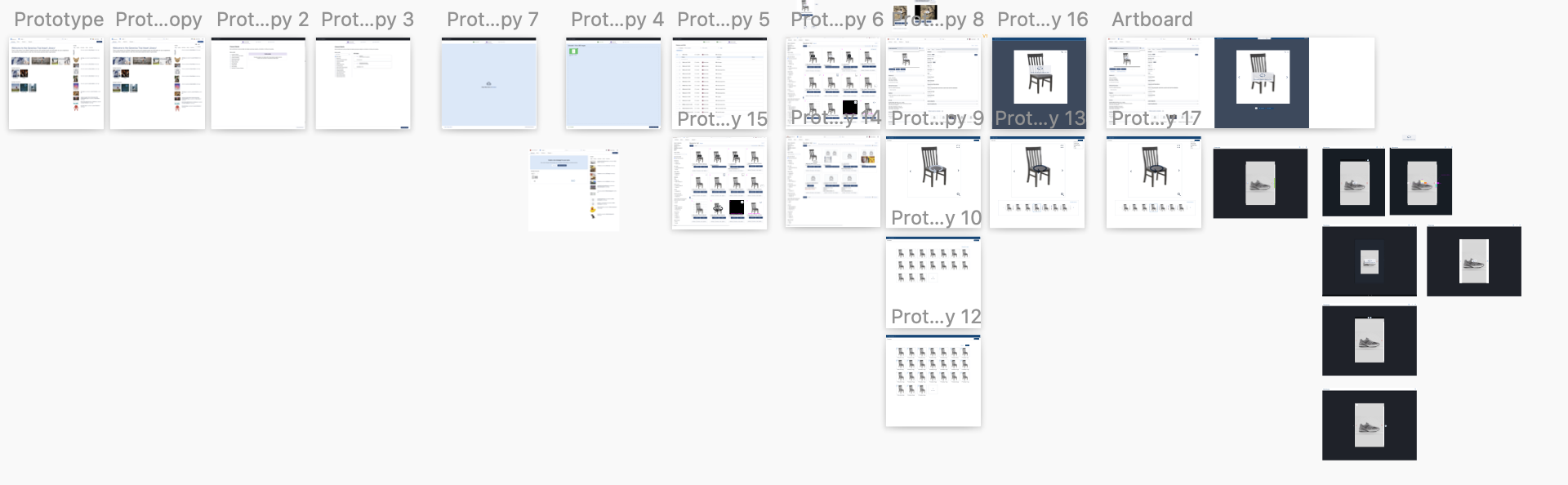
The initial MVP was released to give our users some incremental changes as we work. We worked in an agile process, so releasing iterations to our users allows us to give them value upfront, while getting feedback and making additional changes as we continue to develop the feature.
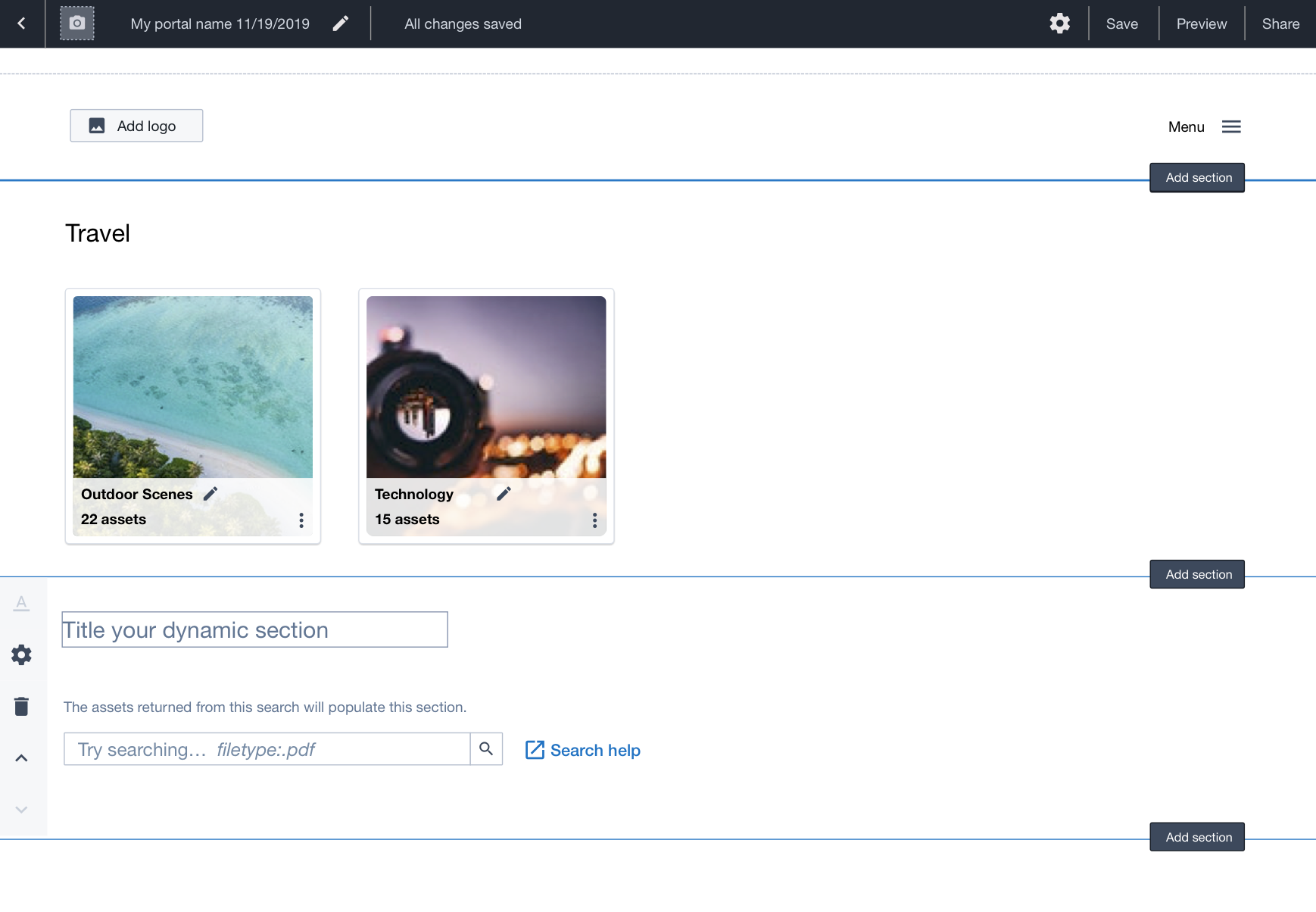
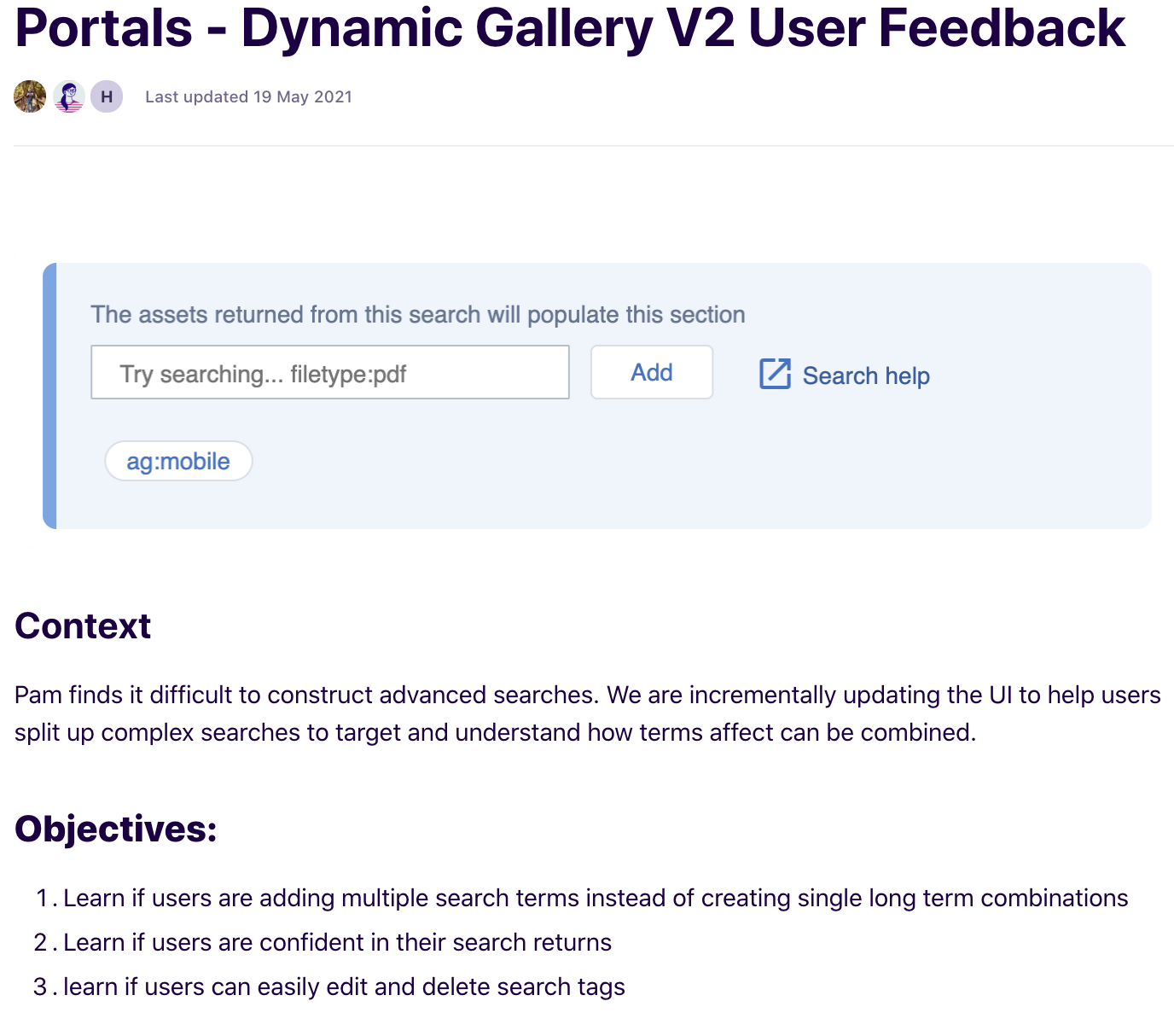
After running a round of user testing and feedback from moderated and unmoderated testing, I updated the design and process to incorporate the the new objectives and items learned from users.
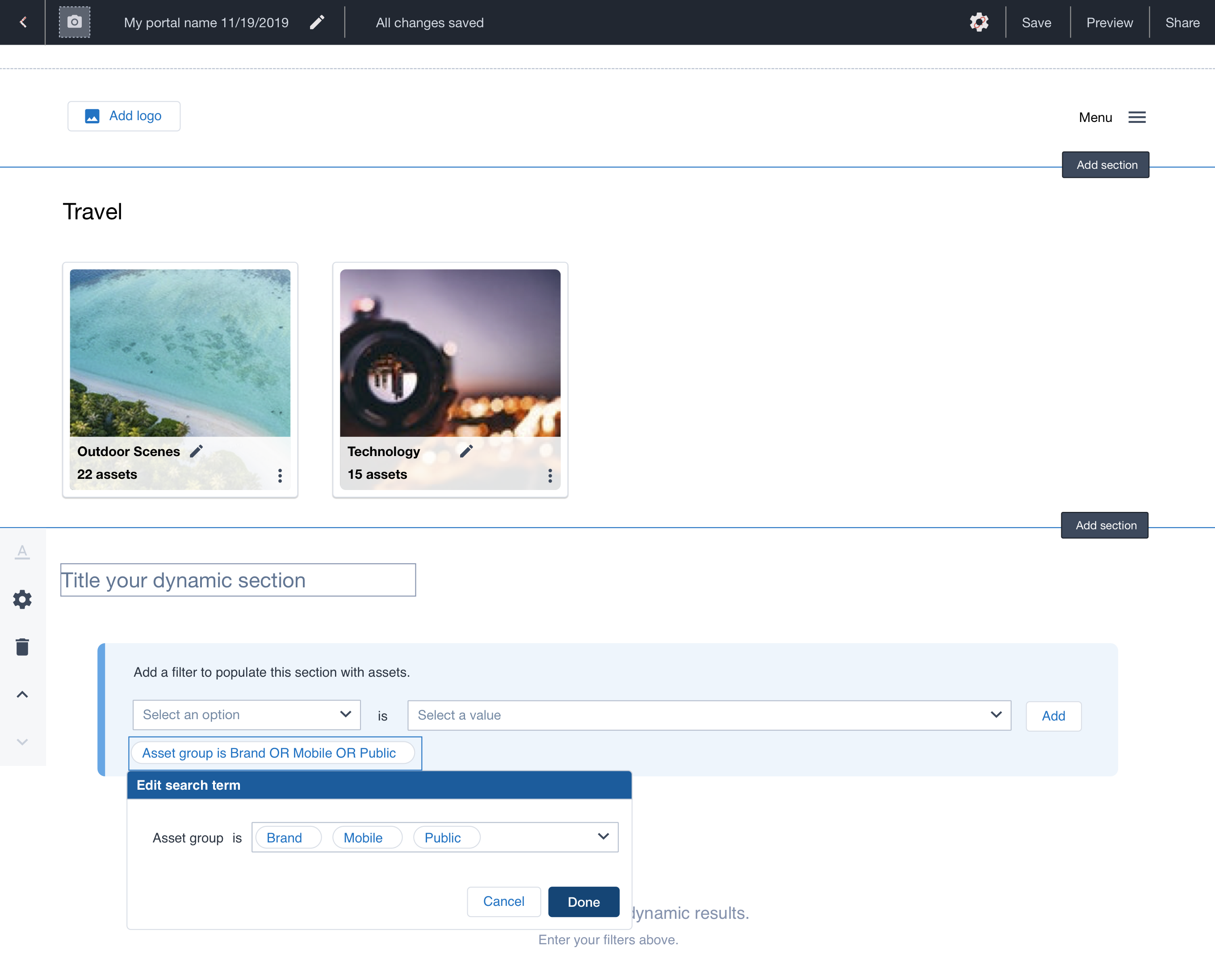
We took the dynamic gallery to a third iteration based on user feedback. With the code in a good place, we were able to implement more advanced rule builder experience for our users. I also was able to address some accessibility concerns and make an easier to use Dynamic Gallery Builder.